
User ID is the ID you selected when the site was created.
Password is the password you selected at the time the site was created.
The button will be Add Photo, Edit Photo, or Delete Photo
BACK

To Add a photo push the Browse button. The Choose file(shown below) dialog box will come up. You can select a JPG or GIF file.
Enter a description(255 char max) Do not use the " or ' characters.
Enter a Category or enter a new Category(you can not enter both)
Press the Add button after all entries are completed.
The Edit Photo form will come up as below.
BACK

BACK
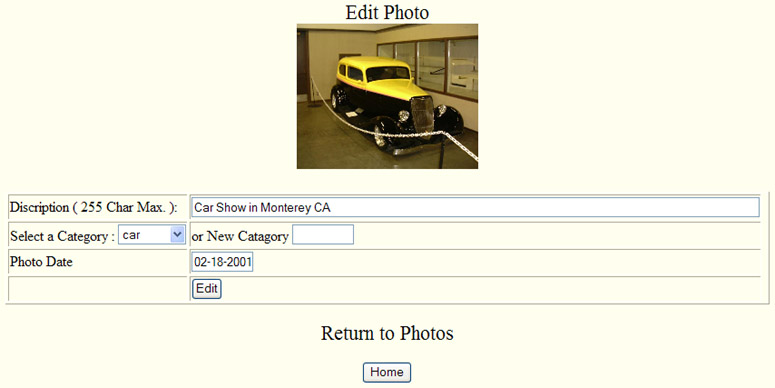
You can change the description(255 char max) Do not use the " or ' characters.
Change the Category or enter a new Category(you can not enter both)
Change the photo date
Press the Edit button after all entries are completed.
BACK
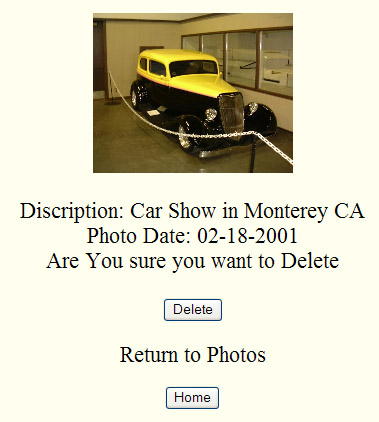
Delete
By pressing the Delete button the photo will be deleted from the internet host system not your computer.